FlowCap for macOS

Record clearly.Share quickly.

A lightweight Mac screen recorder with True Color capture, crisp MP4 output, system audio, and simple pro controls.

Mac App Store release in preparation.

FlowCap app icon
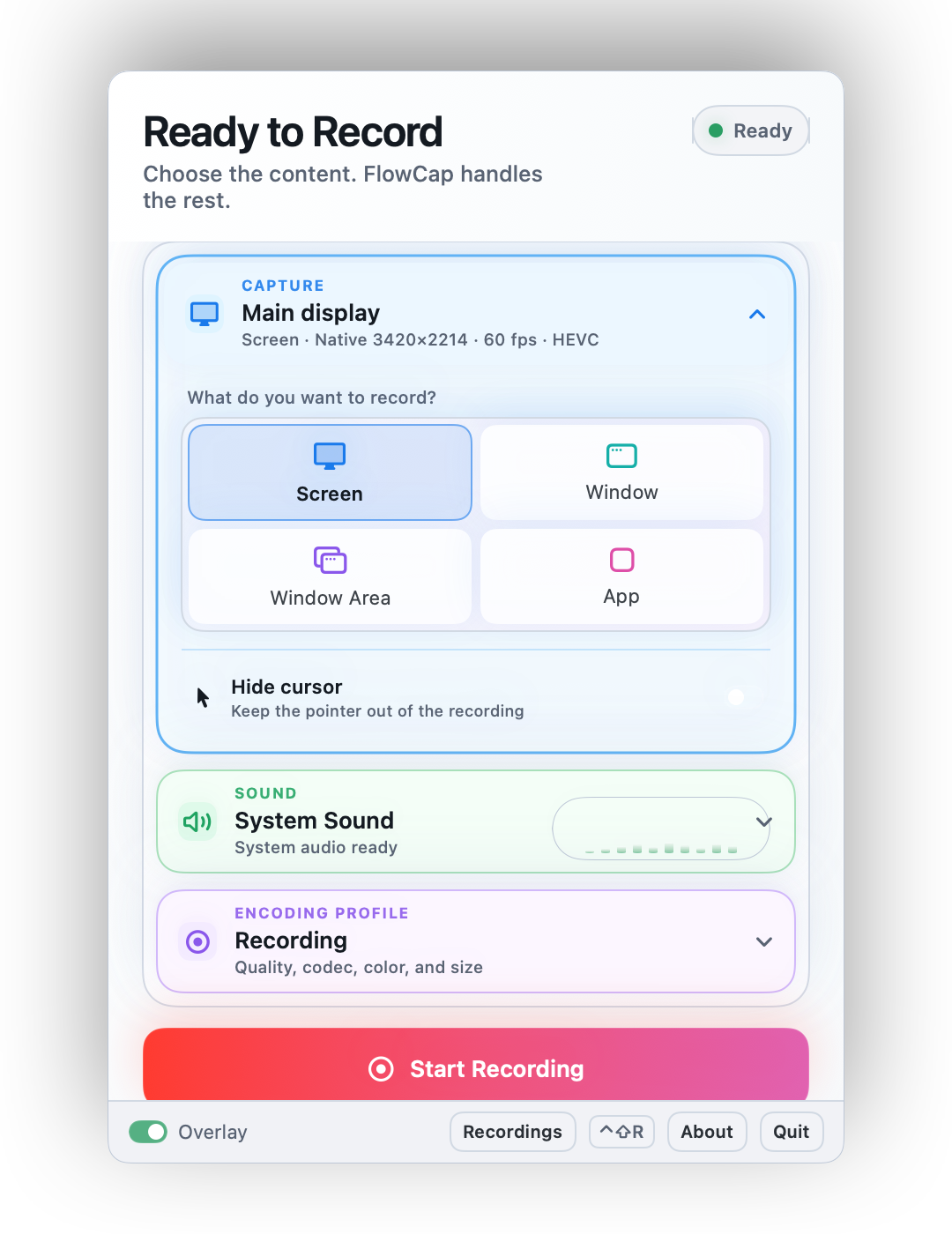
Ready to Record
Screen App Window
HEVC H.264 60 fps
Default: screen recording, True Color, HEVC, 60 fps, system audio.

Made for makers, developers, and visual work

Professional clarity.Everyday speed.

FlowCap keeps screen recording sharp, fast, and easy to send.

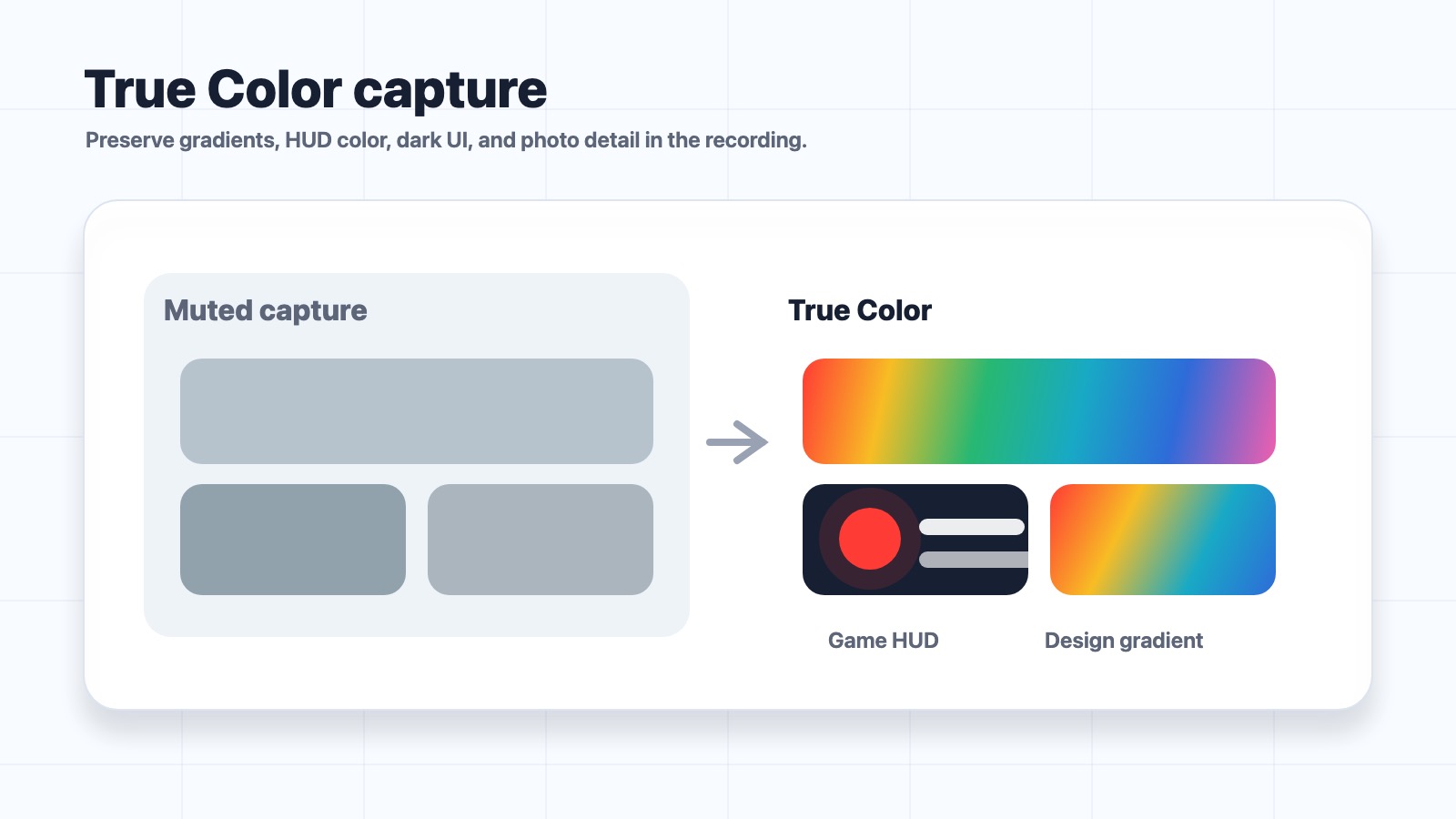
True Color capture example for gradients, HUD color, dark UI, and photo detail

True Color / Accuracy

True Color capture.

Preserve gradients, HUD color, dark UI, and photo detail in the recording.

  • Readable game HUDs.
  • Smoother design gradients.
  • More trustworthy visual reviews.
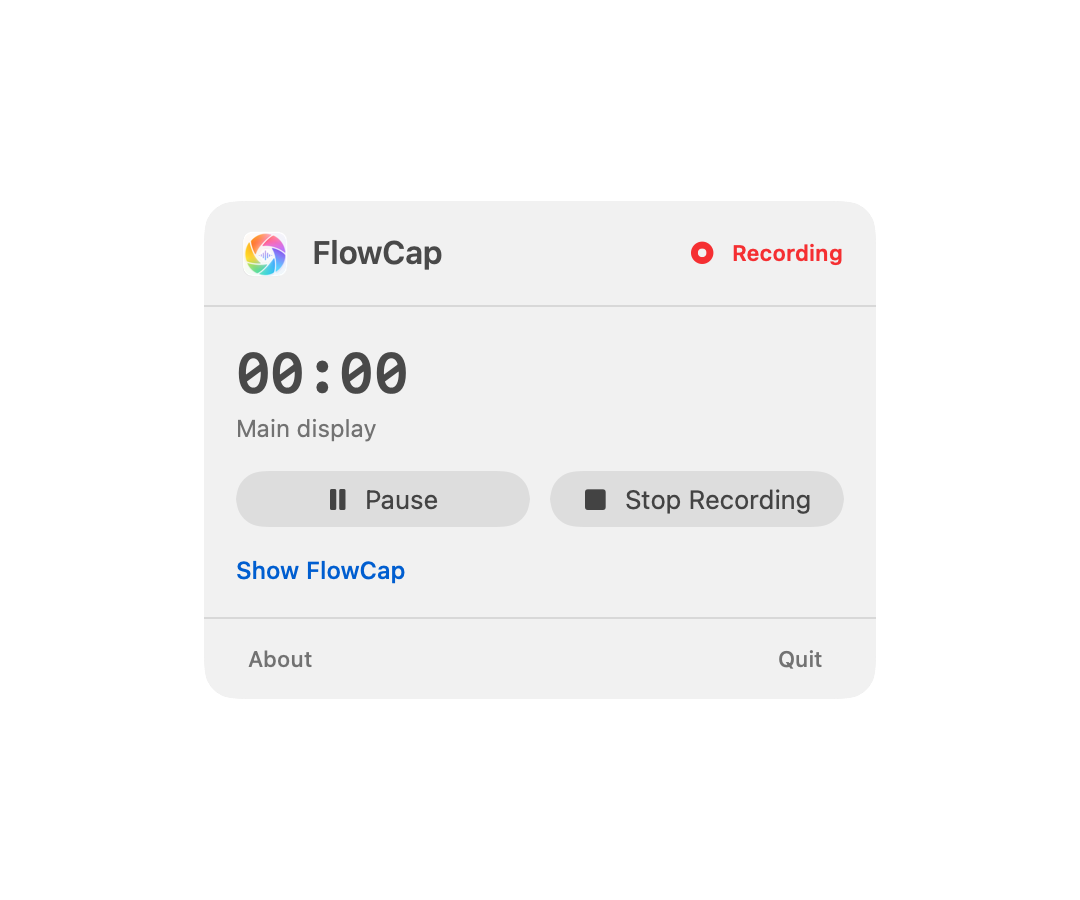
FlowCap lightweight workflow showing shortcut or menu bar recording, live status overlay, and MP4 review

Workflow / Lightweight

Lightweight recording flow.

Shortcut or menu bar, live status overlay, then a clean MP4 review.

  • Start quickly.
  • Watch status.
  • Review the MP4.
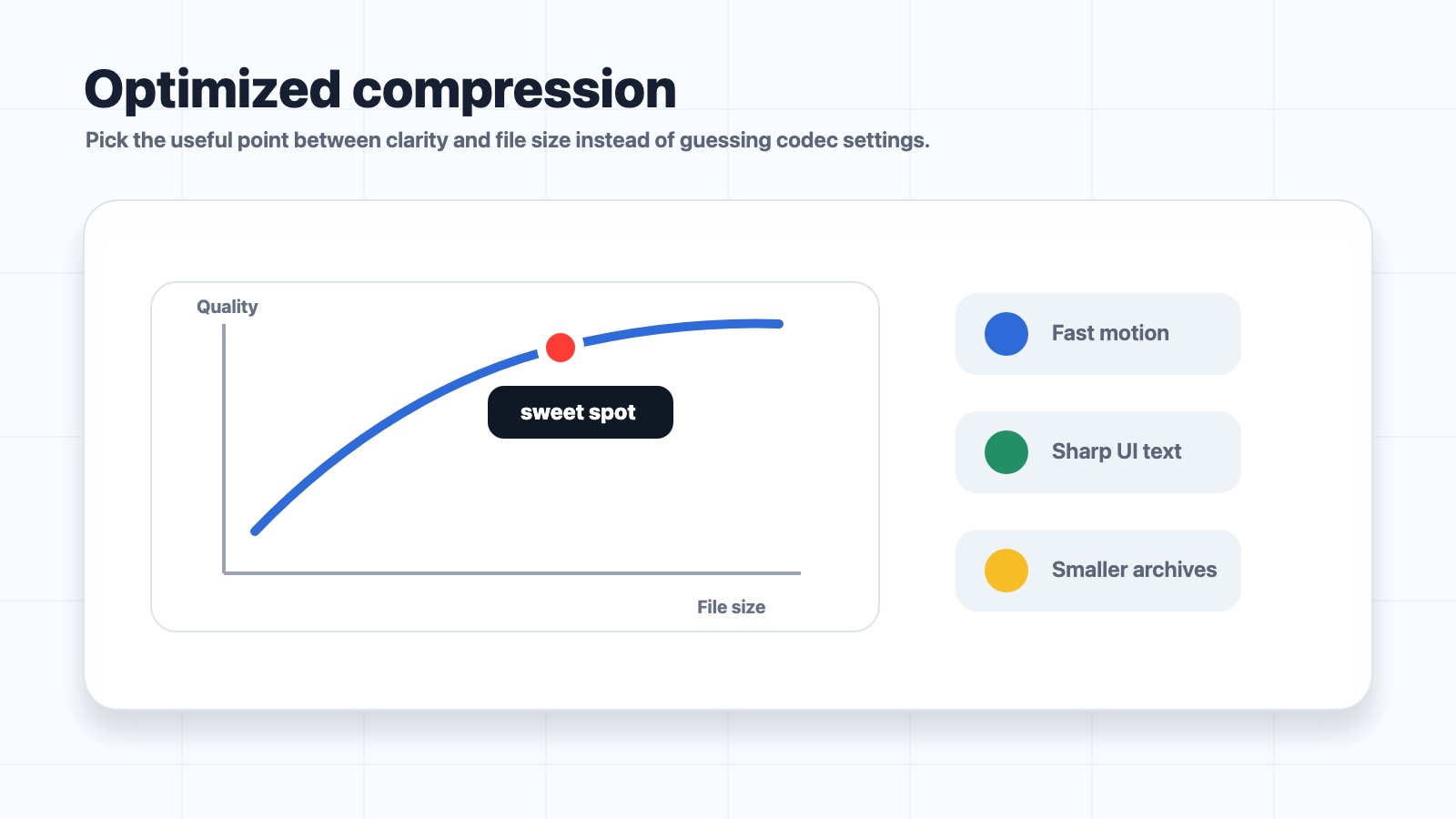
Optimized compression curve showing a useful balance between clarity and file size

Compression / Output

Optimized compression.

Pick the useful point between clarity and file size instead of guessing codec settings.

  • Fast motion.
  • Sharp UI text.
  • Smaller archives.
Share Recording and Archive profiles with codec color audio and quality controls

Profiles / Control

Complex options made easy.

Start with Share, Recording, or Archive, then tune codec, color, quality, and audio when needed.

  • Fast presets.
  • Professional controls.
  • Clear output choices.
System audio and microphone recording paths combined into an MP4

Audio / Context

System + Mic audio.

Capture app sound, microphone narration, or both when the recording needs context.

  • App sound.
  • Voice narration.
  • One clear MP4.

Built to keep capture moving.

The right controls, close at hand.

01 Menu bar first

Start from the Mac chrome you already use.

02 Live overlay

Time, frame rate, bitrate, and status while recording.

03 Fullscreen review

Inspect a recording before sharing.

04 Finder handoff

Open the finished MP4 where work continues.

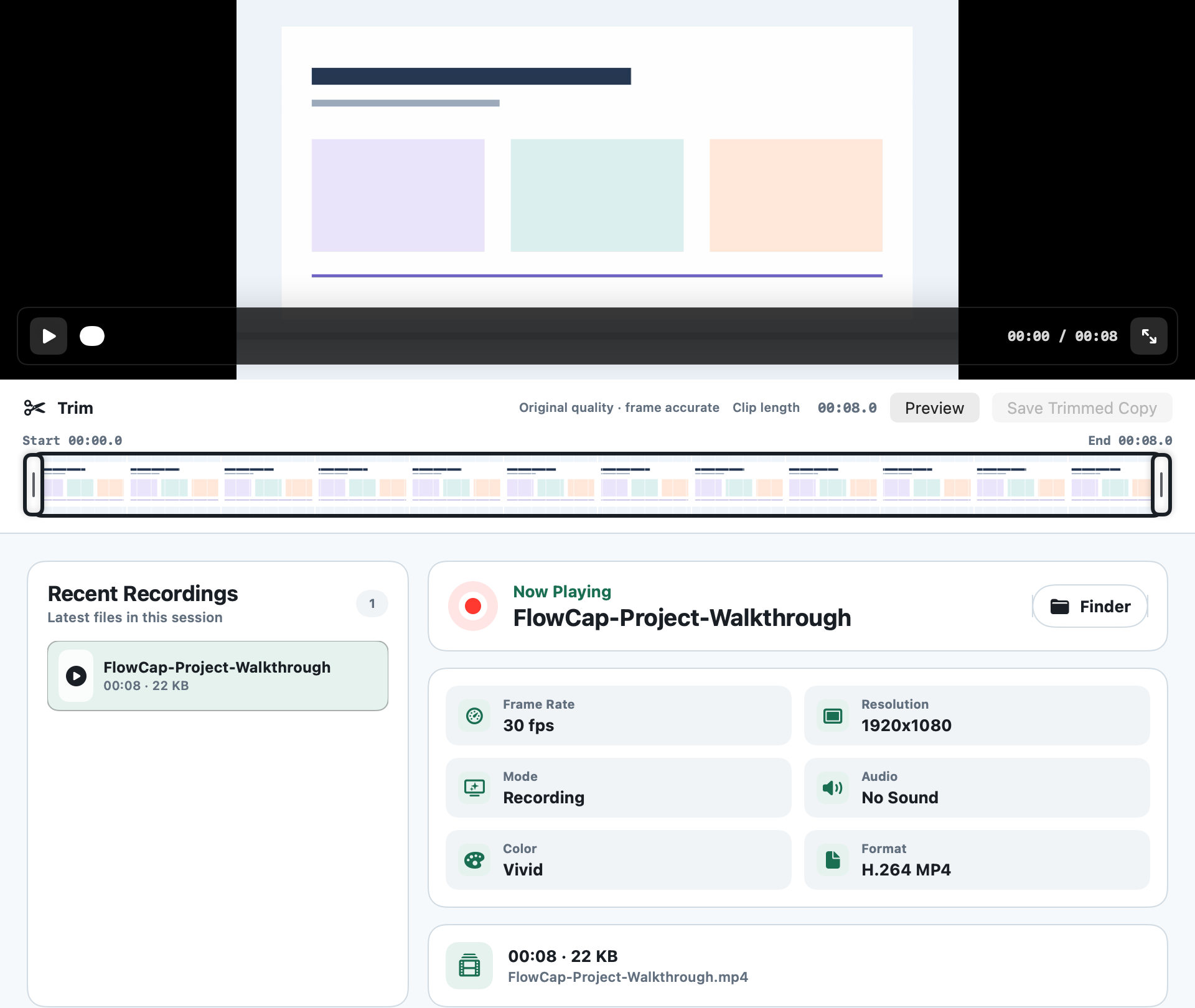
Review, then share.

FlowCap keeps the latest recordings close, playable, and ready for Finder.

Recent recordings stay nearby.

Open the latest clips without folder hunting.

Fullscreen preview is built in.

Inspect details before you send.

Show in Finder when it is time to share.

Hand the MP4 to your normal workflow.

Frame Rate60 fps
ResolutionNative
ColorTrue Color
FormatHEVC MP4