Considered color
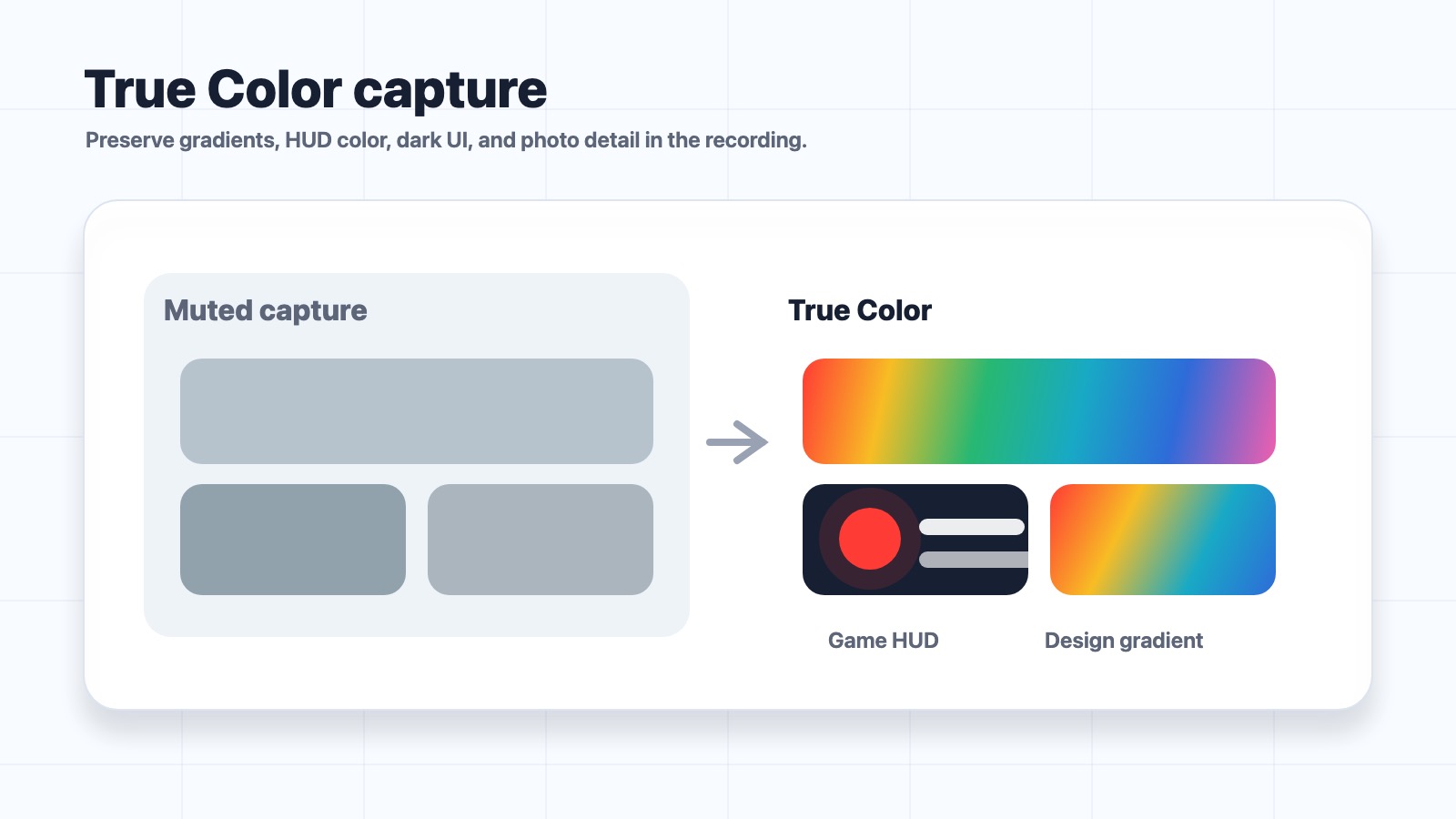
Vivid, True Color (P3), or Standard (709). Your work, your choice.
FLOWCAP FOR MAC
Record your Mac. Keep the color and detail. Share a lighter MP4.
Free in this version · No recording time limit · No account
macOS 15+ · Apple silicon / Intel
1.6.1 · In TestFlight testing. Mac App Store release coming soon.
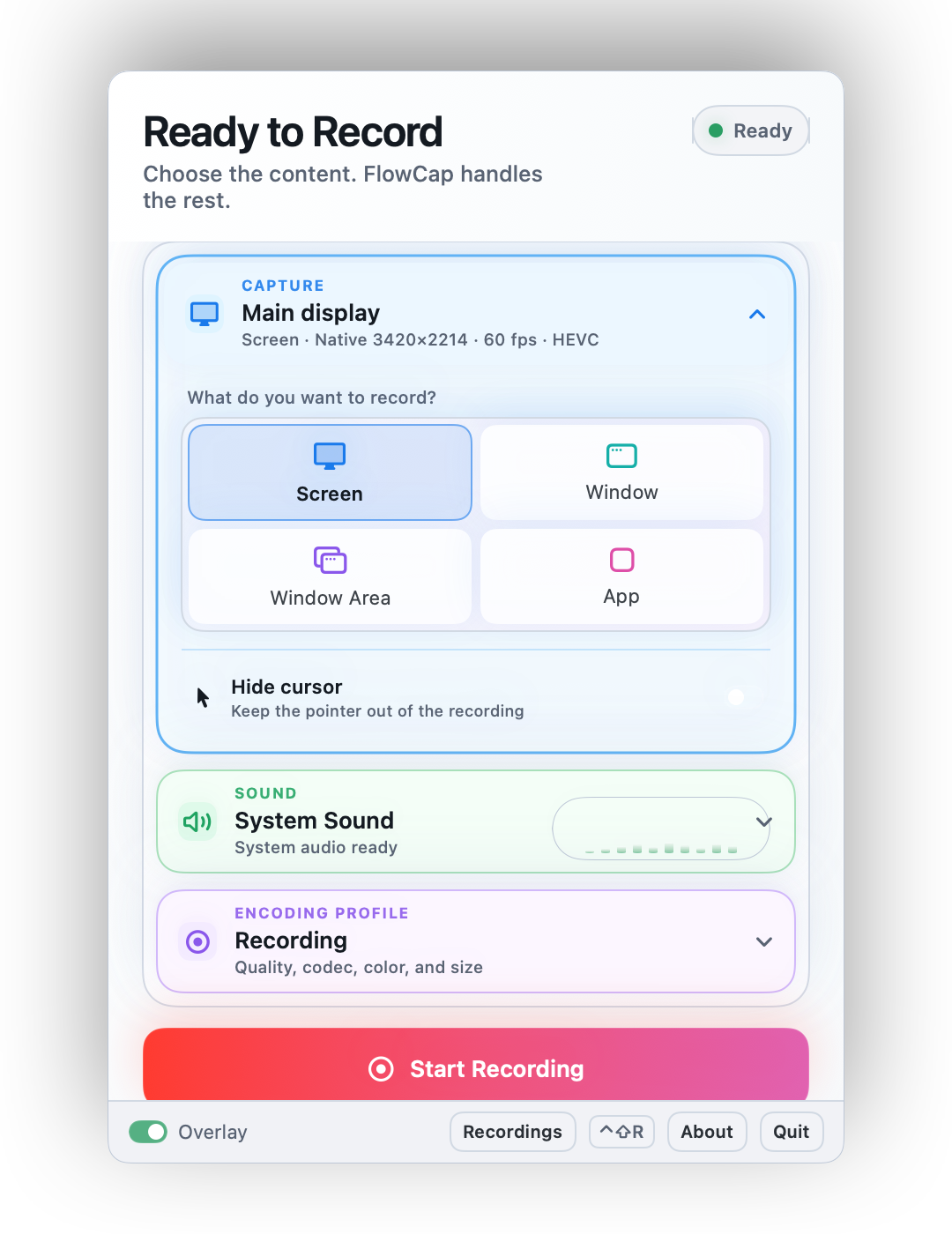
Vivid, True Color (P3), or Standard (709). Your work, your choice.
Tuned for the text, fine lines, and interface details in your recordings.
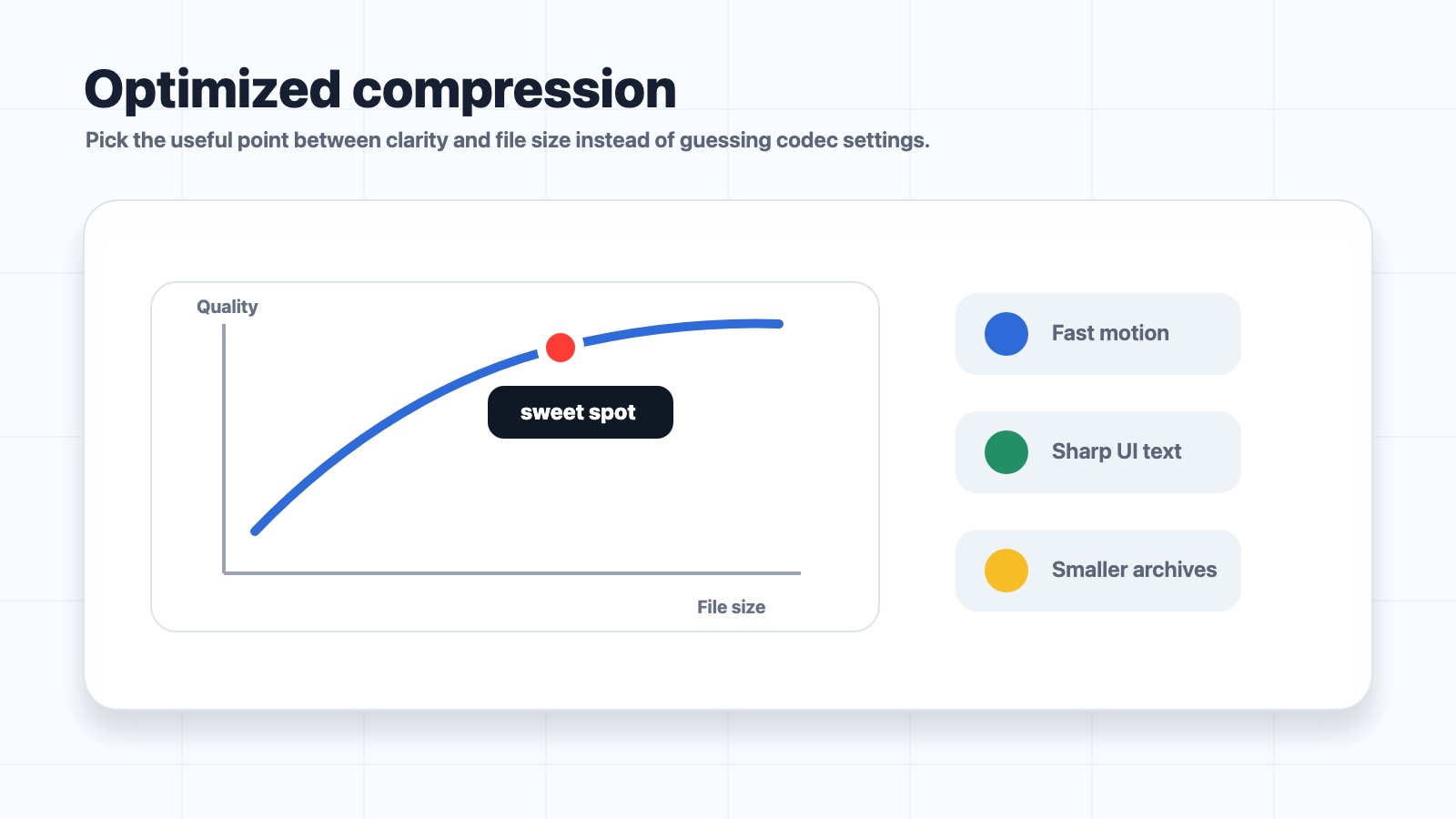
Balanced encoding brings clarity and file size together.
COLOR THAT CARRIES YOUR WORK
From design reviews to everyday demos, choose the color mode that fits.
LESS FILE. MORE USEFUL DETAIL.
Start with Balanced. Choose HEVC for efficiency or H.264 for wider compatibility.
EASY FROM THE START
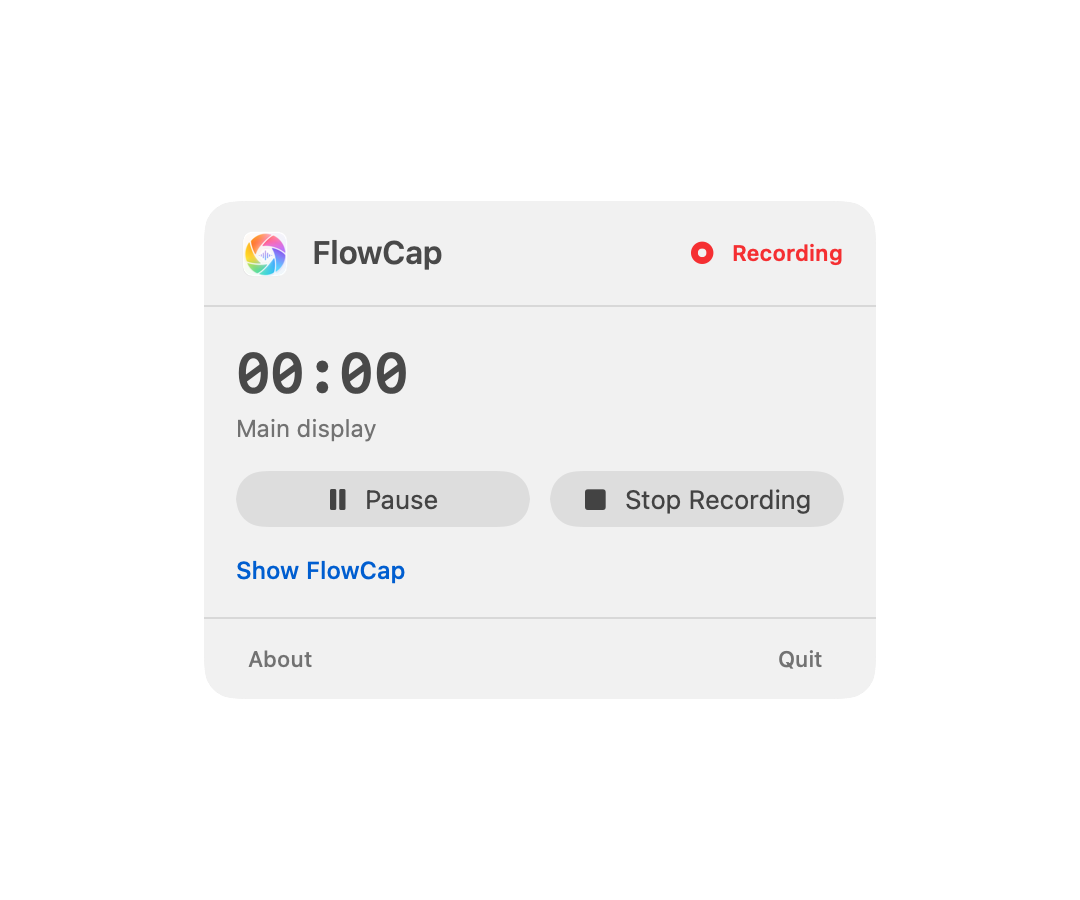
Record a screen, window, window area, or app—with system sound and your mic. Pause when you need to.
Recording sound and voice? Use headphones to avoid echo.
AFTER YOU HIT STOP
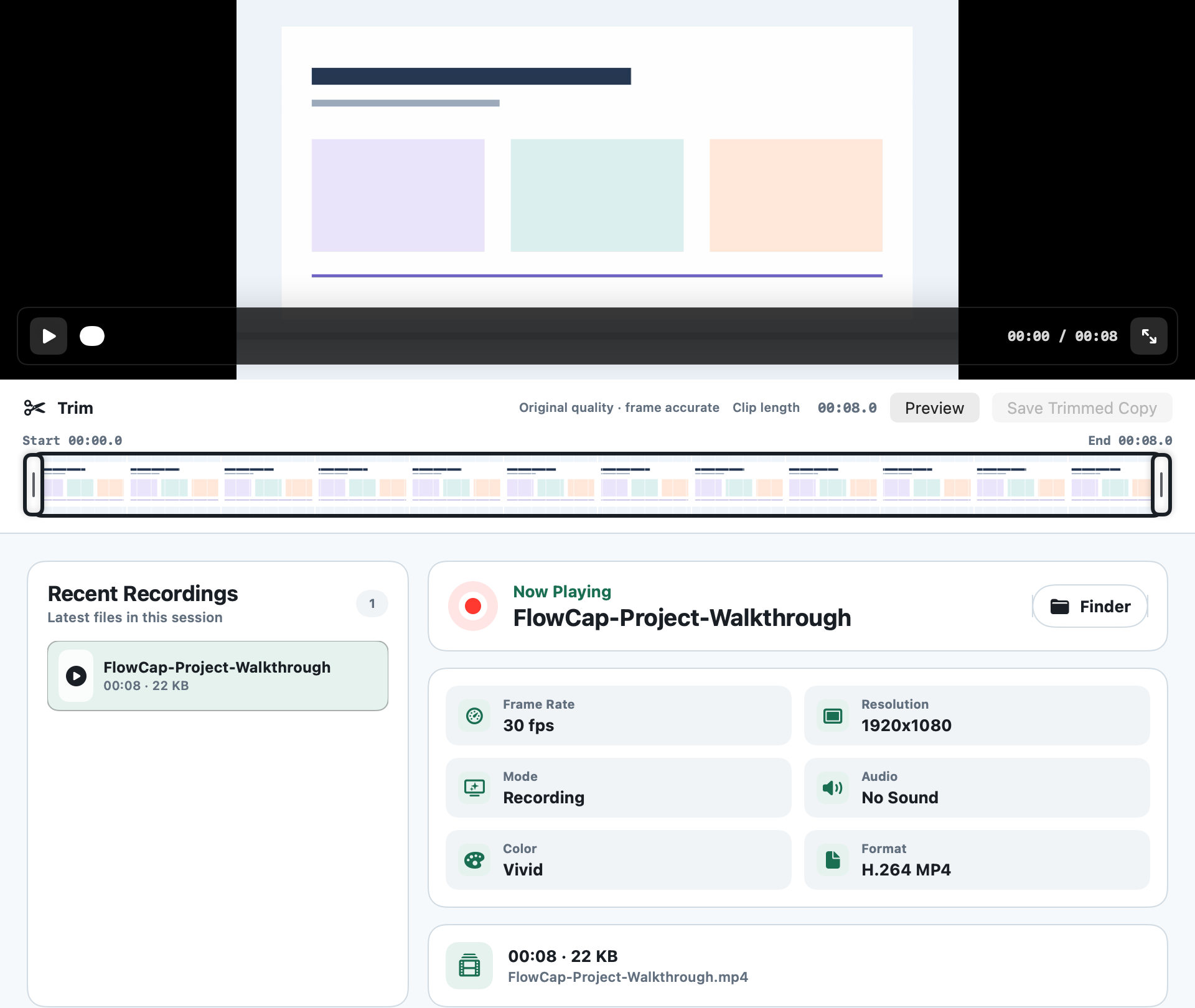
Preview. Trim precisely. Save a new MP4. Your original stays untouched.
No account. No cloud upload. You decide what to share.